For iOS & Android
Your brew-by-brew dial-in log.
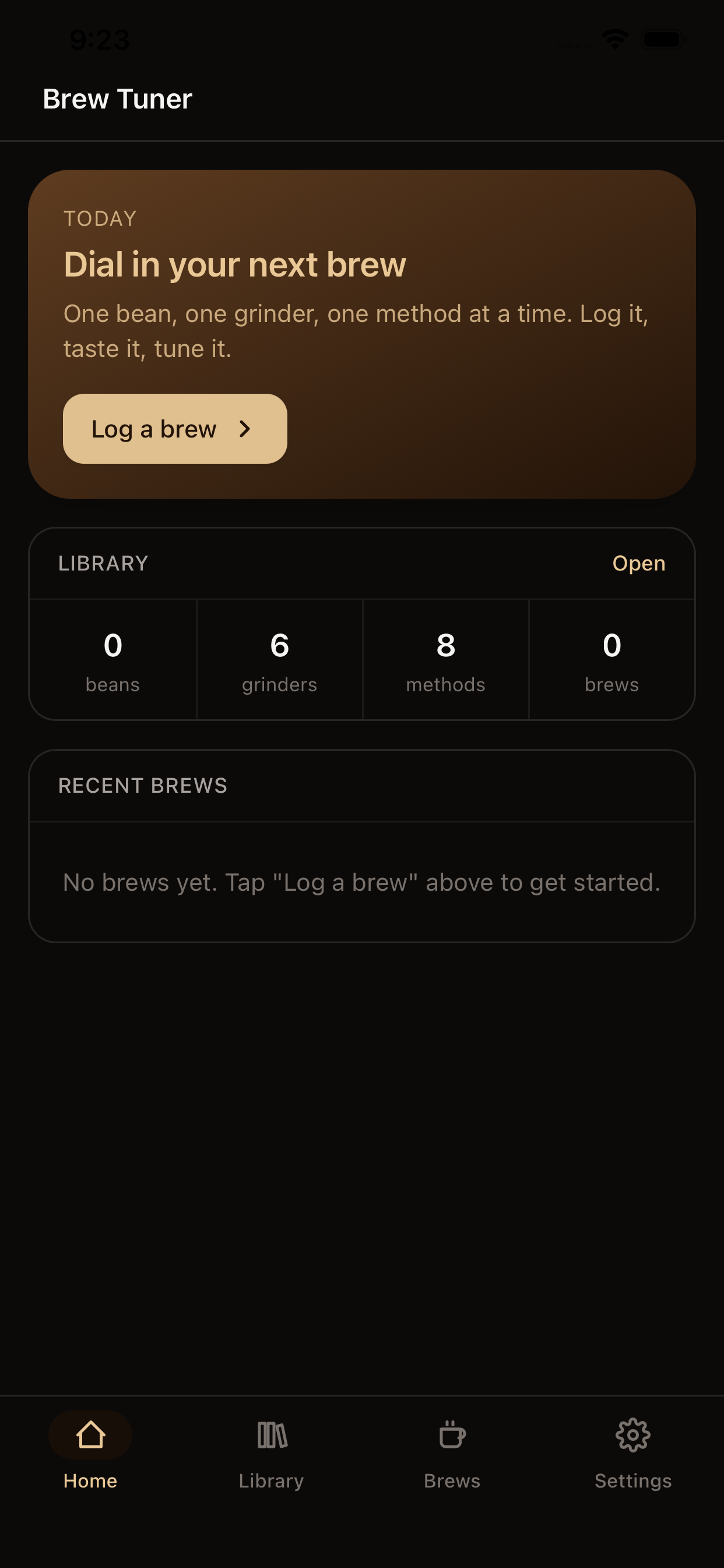
Pick a bean, pick a grinder, pick a brew method, then log every brew with grind setting, dose, yield, time, and rating. Tap Adjust & re-brew to chase the sweet spot one variable at a time.
What it does
Track beans
Roaster, name, origin, varietal, process, roast level, notes.
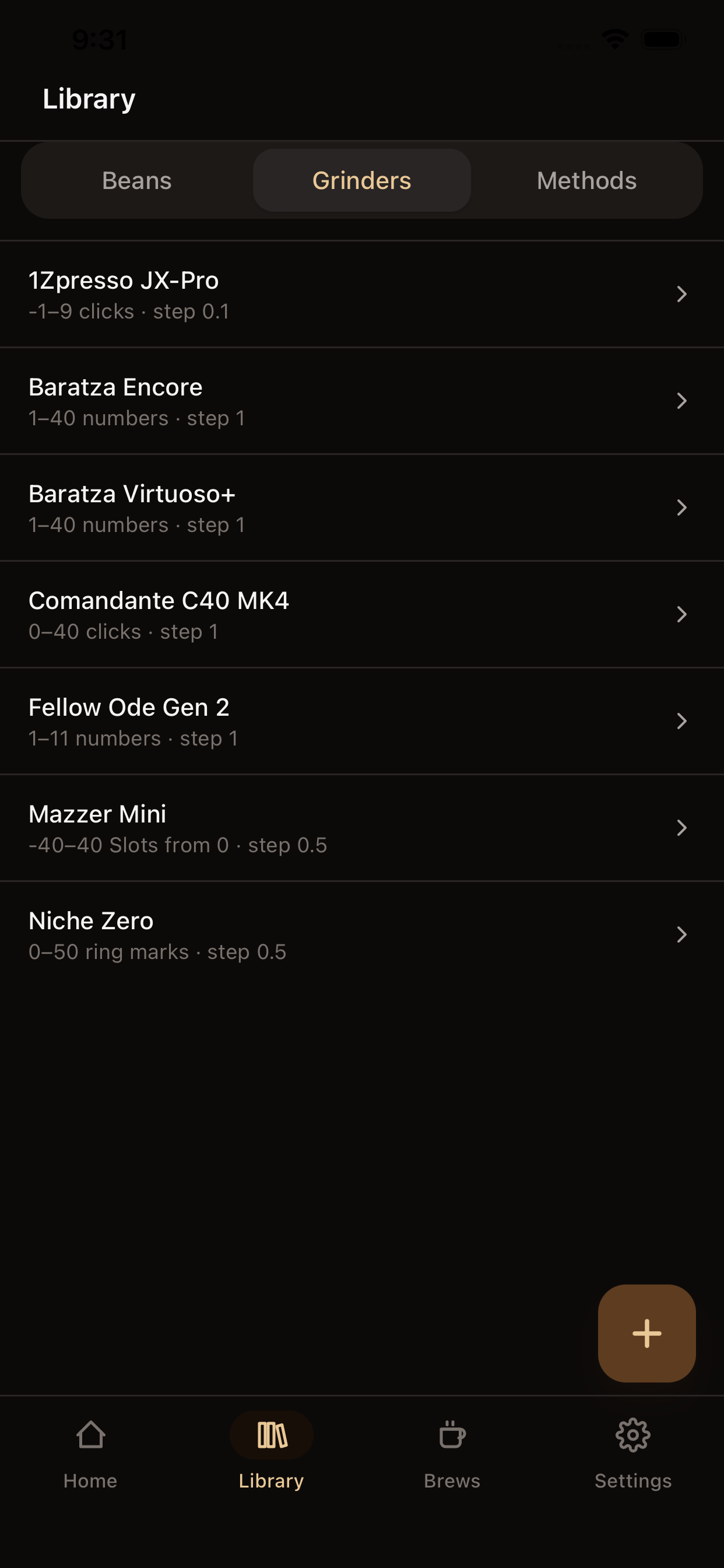
Track grinders
Any dial pattern works: integer steps, fractional, stepless, even negative settings (1Zpresso-style).
Track brew methods
V60, Chemex, AeroPress, espresso, French press, Moka, Turkish, cold brew — or whatever you invent.
Log brews
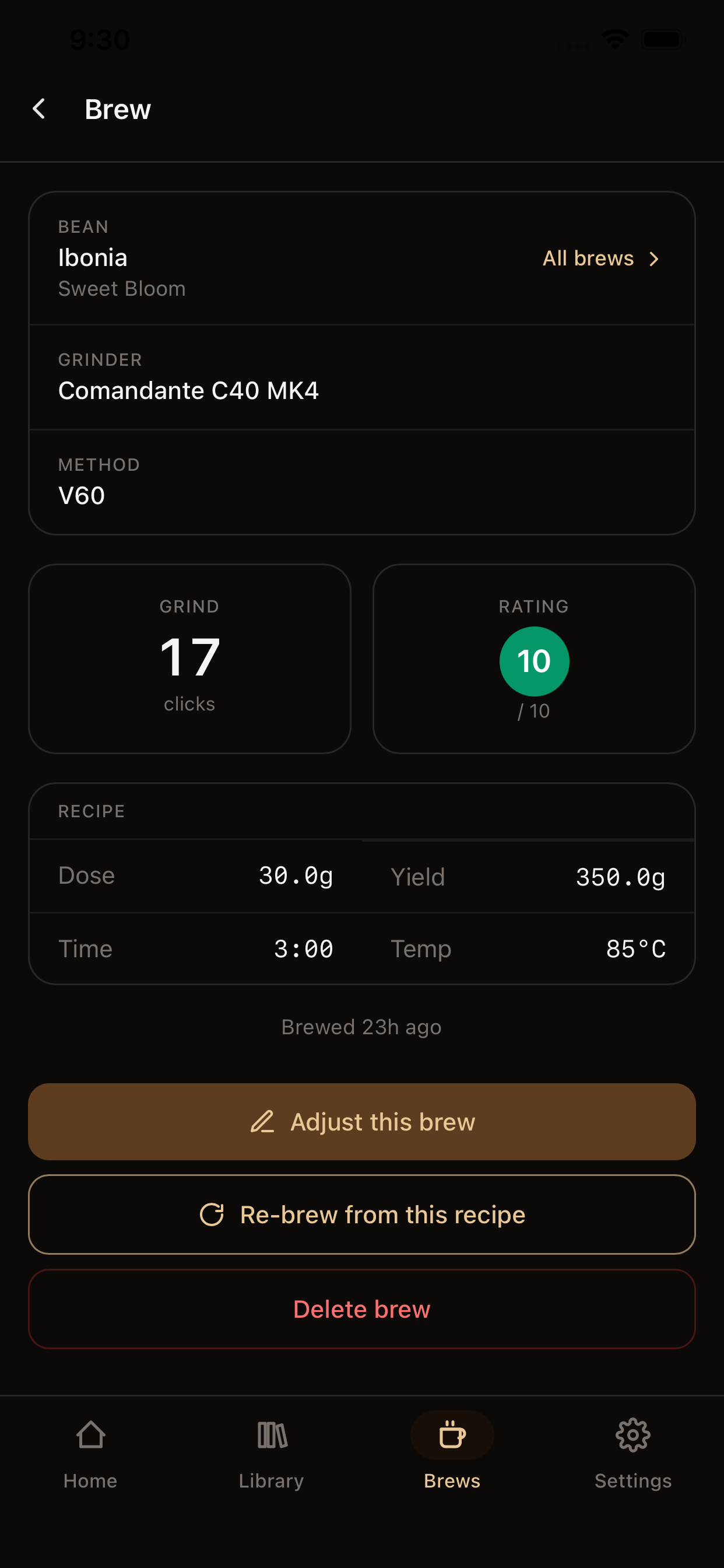
Full recipe, 1–10 rating, tasting notes, flavor tags.
Adjust & re-brew
Duplicate any past brew so you can change one variable and try again.
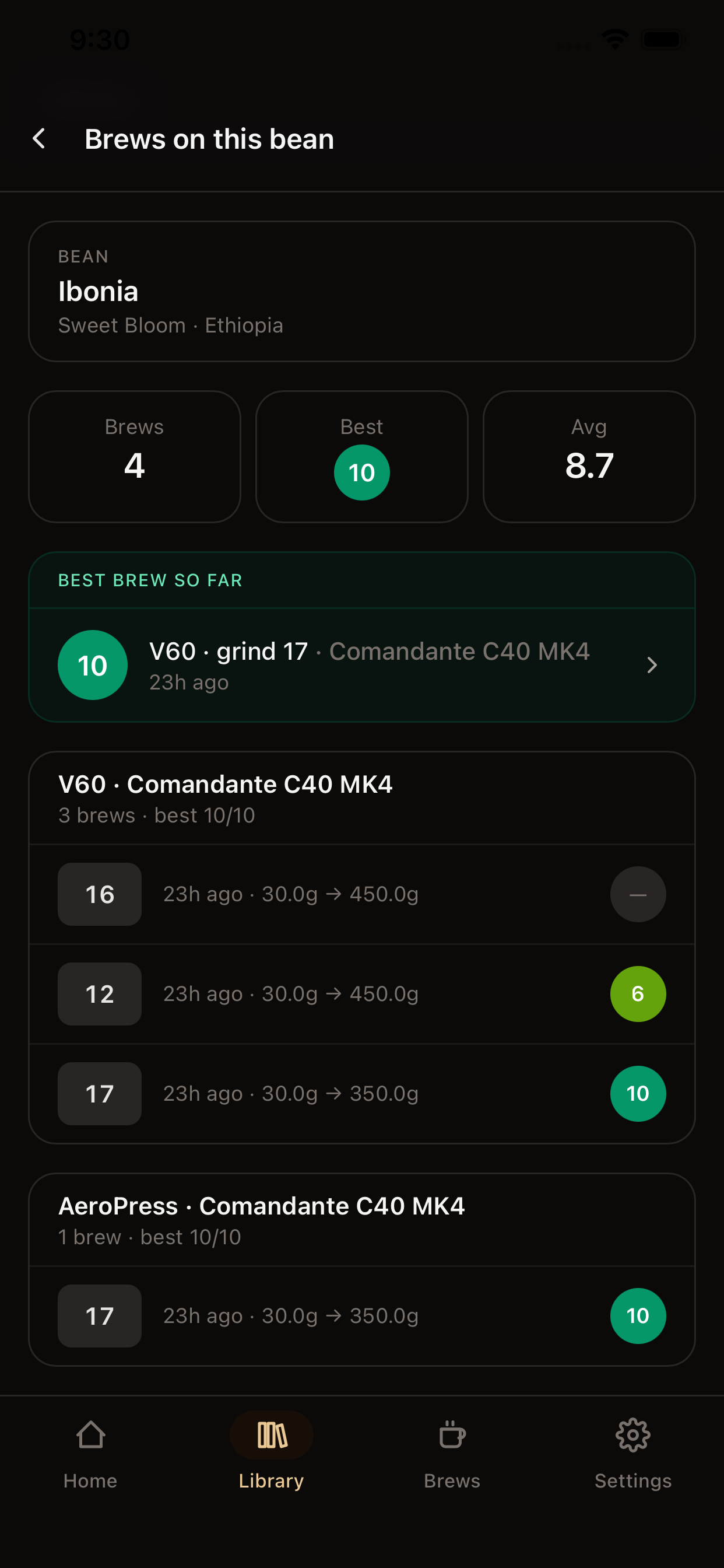
Per-bean dial-in view
See your attempts grouped by (grinder, brew method) and watch the grind move across tries.
Independent unit prefs
Grams for grounds, ounces for liquid, °C or °F — mix freely.
Fully offline
Every screen works without a network connection.
No accounts. No ads. No tracking.
Your data lives on your device.
Backup, not sync
Brew Tuner doesn't use the cloud. Settings → Backup & restore exports your data to a single JSON file you can save anywhere — iCloud Drive, Google Drive, email, AirDrop. Restore on a new device by picking the file back up.
There's no account to lose, no server to outage, no privacy trade. Just a coffee log that's actually yours.
What it looks like
Questions or feedback?
Email support@brewtuner.app — or read the support page for common questions.